Write naturally
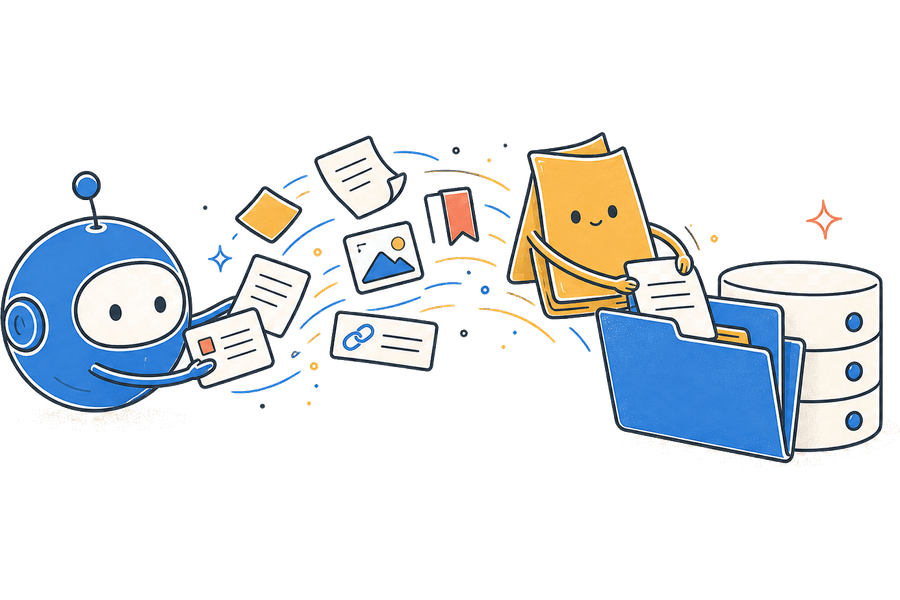
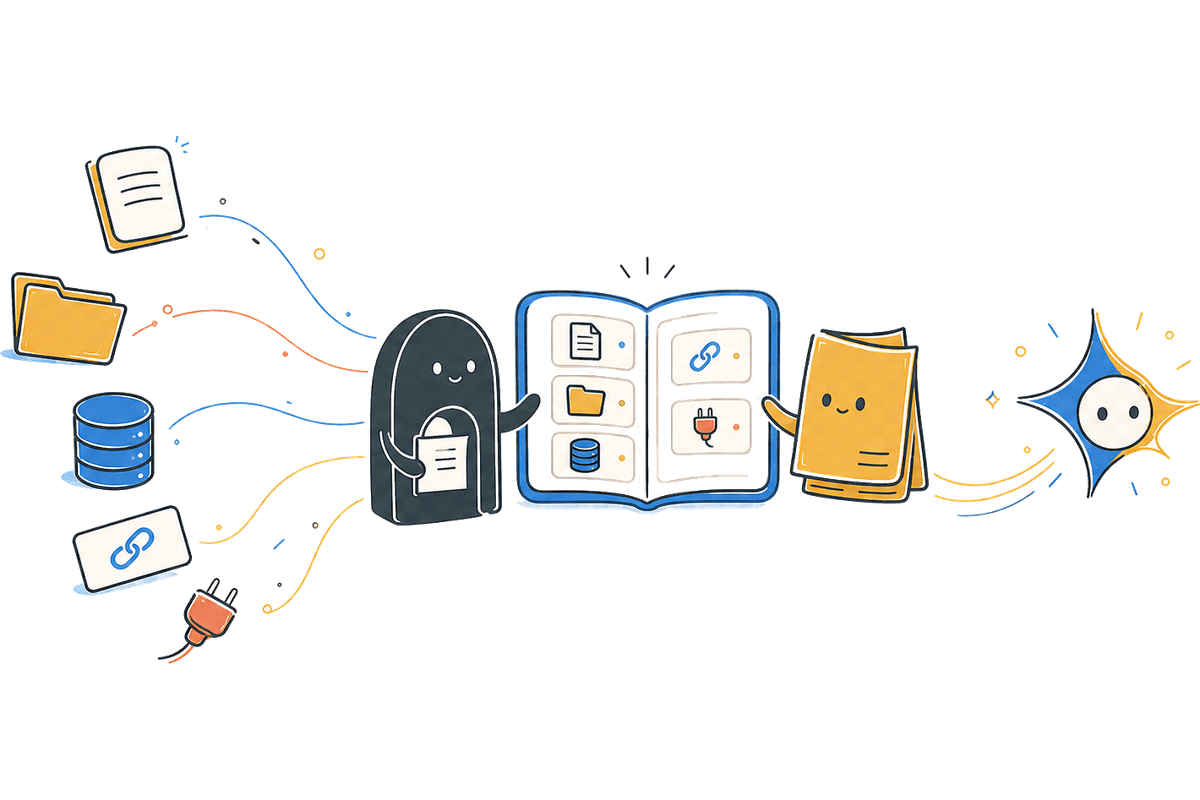
Mix documents, media, links, and data in the same page.
Nexfiy is in early access
Build documents, connected databases, and reusable knowledge in one workspace. Then make that context available through APIs and MCP.
Start with a personal workspace. Add a team when you are ready.
Why we are building it
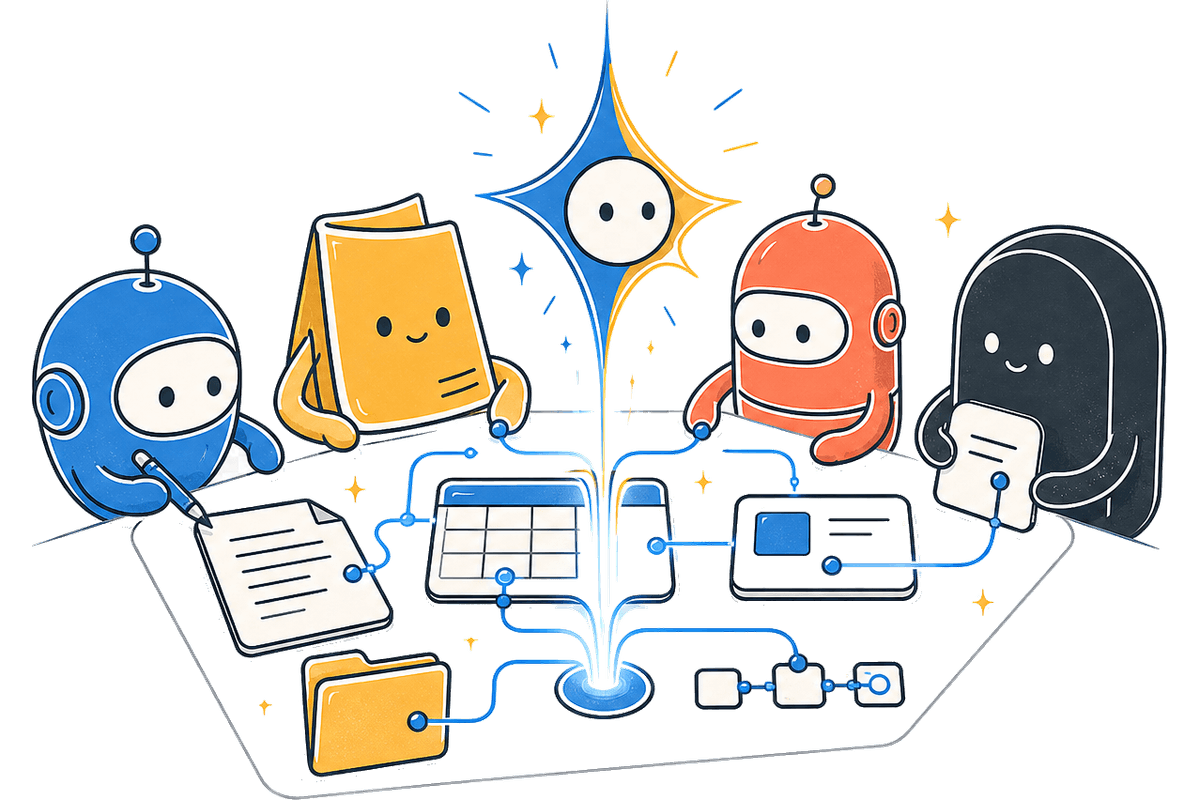
Nexfiy keeps pages, databases, files, and links together, then gives you deliberate ways to reuse that information in products, automations, and agent tools.
Write naturally
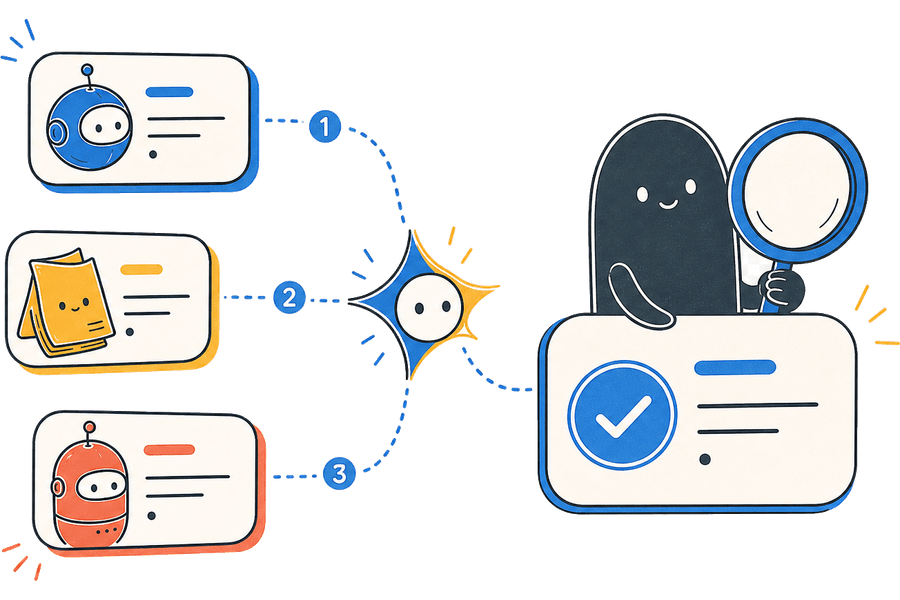
Structure what matters
Connect your tools
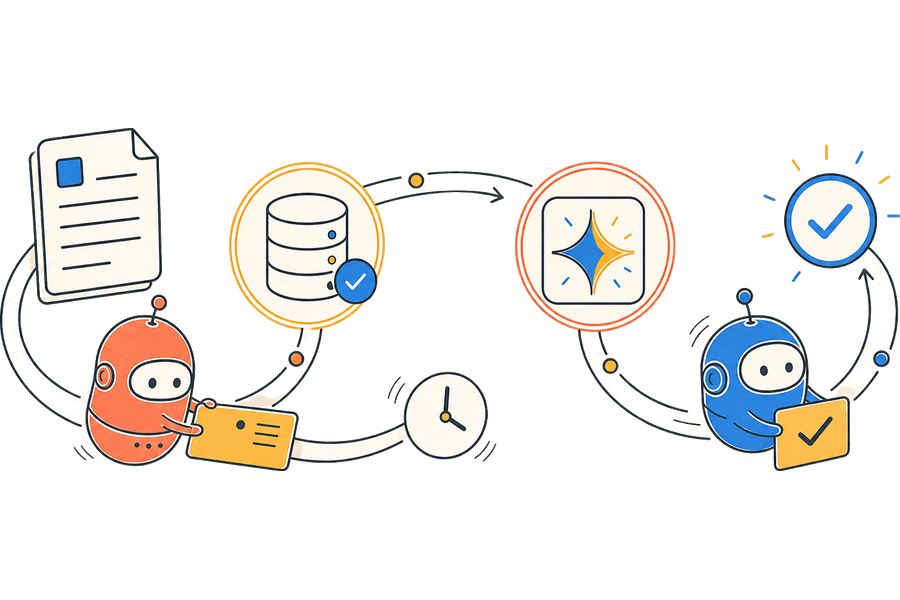
One connected loop
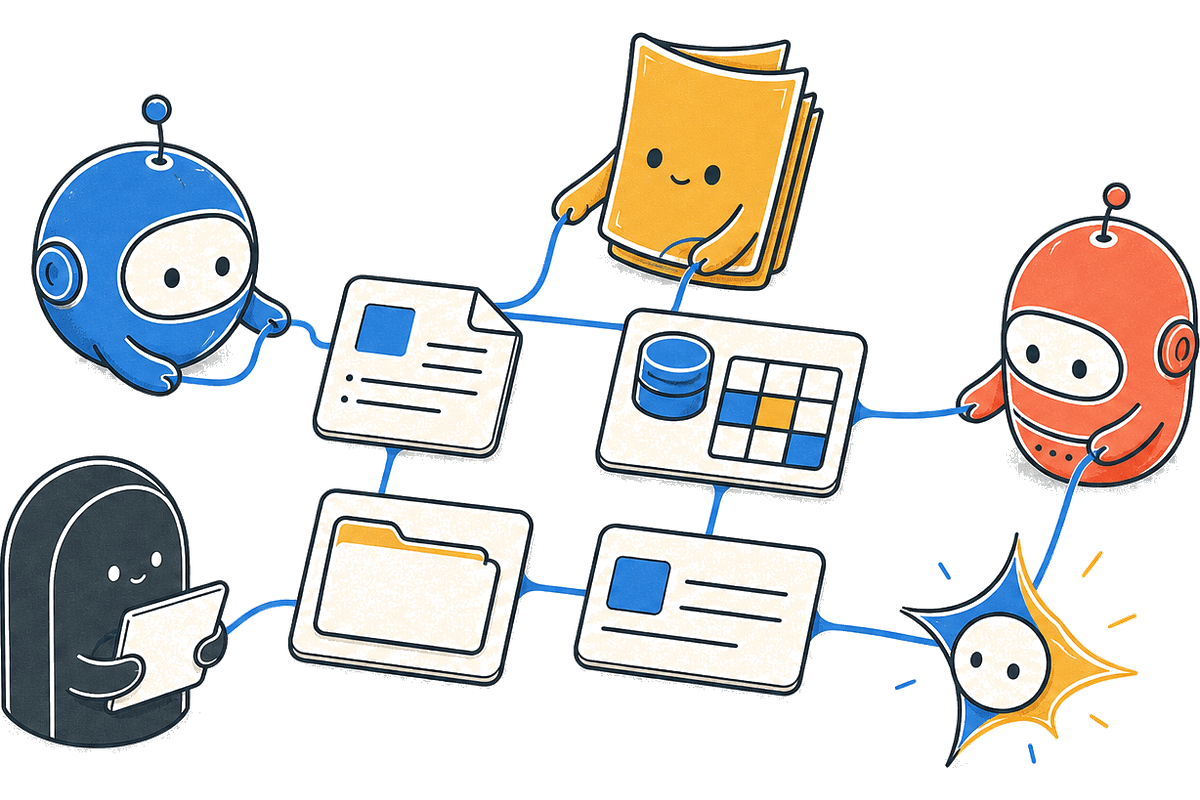
The workspace stays simple for writing while databases, APIs, and MCP remain available when the job needs them.
Write a page or bring in a file, link, video, or repository.
Use a database when the content needs properties and views.
Relate pages and records so context stays close to the work.
Publish selected data through an API or connect it over MCP.
Why Nexfiy
A note can stay a note. When it becomes a process, connect it to a database, publish selected records, or make it available to an agent—without rebuilding the content somewhere else.
What connects
The same information can remain readable as a page, structured as a database, or made available to another tool through an API or MCP.
Knowledge & documents
Starts with: One unified, block-based workspace
Enables: Write freely with blocks, embeds, and nested pages
Content API
Starts with: Choose which databases are available
Enables: Read structured records and normalized page blocks
Databases & Project Tracking
Starts with: Multi-view tables, boards, and timelines
Enables: Use the view that fits the same underlying records
MCP connections
Starts with: Create a scoped workspace environment
Enables: Revoke or replace the connection when needed
Workspace model
Starts with: Keep personal work separate
Enables: Create an organization when collaboration begins
Two plans
Free for personal pages. Pro adds APIs, MCP, multiple workspaces, and team collaboration.
From the journal
Aug 2
The idea behind Nexfiy: keep writing, structured data, product content, and AI context in one connected workspace instead of rebuilding the same knowledge in separate tools.
Aug 2
A practical comparison of writing, databases, publishing, APIs, and MCP—plus the situations where each workspace is the better choice.
Aug 1
The strongest Notion alternatives ranked by actual use case—from product content and MCP to projects, wikis, offline work, and self-hosting.
Frequently asked
Learn more in the public developer docs or begin with a personal workspace and invite your team later.
You can create connected documents, team knowledge bases, relational databases, project hubs, reusable templates, and agent-assisted workflows in the same workspace.
You create a dedicated MCP client environment in Workspace settings. Each environment has its own revocable URL, so access stays visible and under your control.
Yes. The read-only Content API lets you select specific databases and fetch their schema, records, properties, and normalized page blocks from a trusted server.
Yes. Personal notes stay separate, while organization workspaces support members, roles, shared billing, and collaborative content.
Yes. Workspace data is backed by Convex, so connected views update as changes happen without manual polling or refresh workflows.
Yes. The editor includes labeled link cards, YouTube embeds, GitHub repository cards, files, images, and database views alongside regular document blocks.
The public developer documentation includes quickstarts, endpoint payloads, block rendering examples, MCP tools, and downloadable Markdown guides.
Nexfiy is in early access. Start with a personal workspace or review the team plan before inviting collaborators.